What Features Should a 3-10 Person UK Recruitment Agency Look For in a CRM?
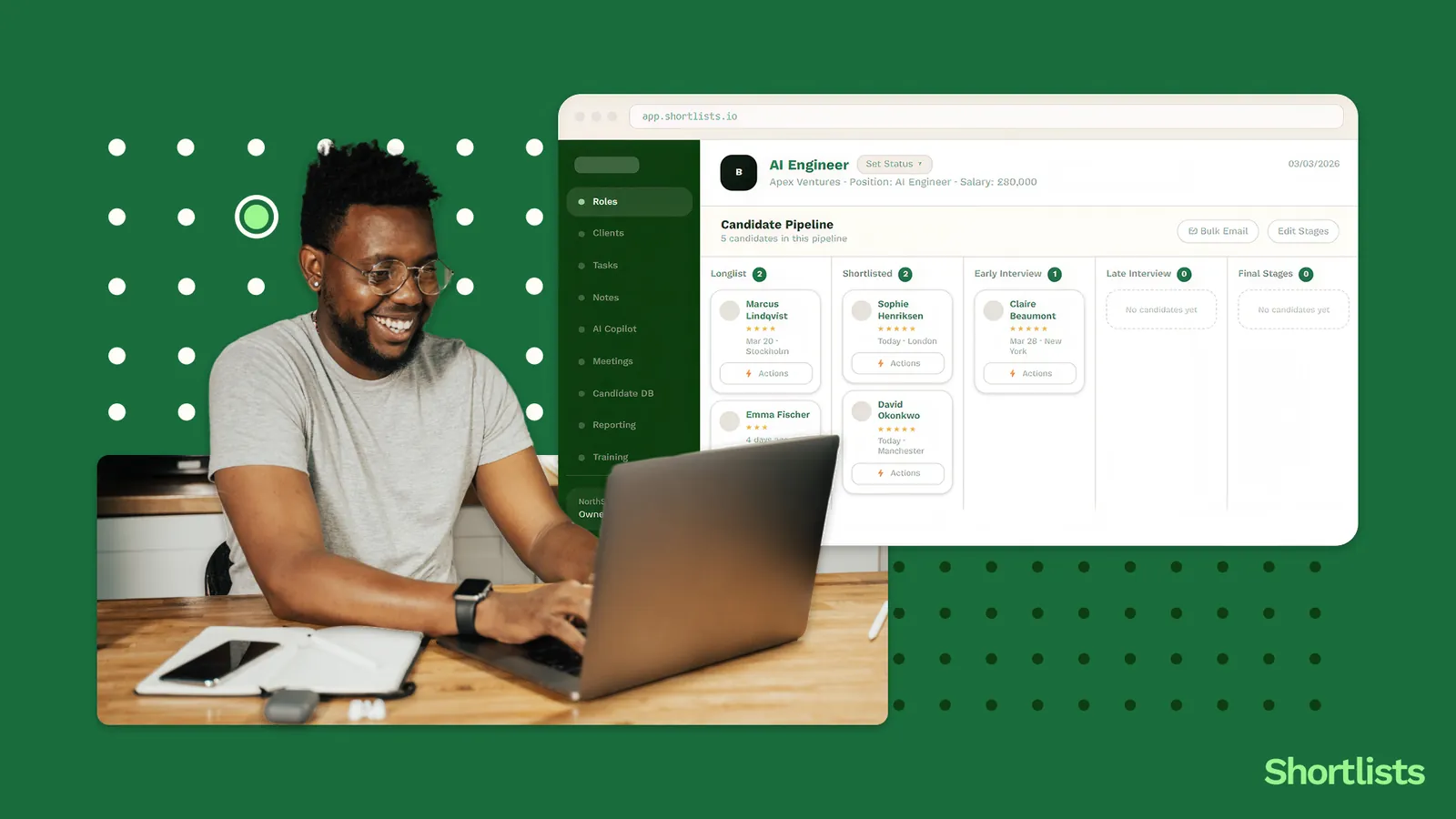
Five features matter most for a small UK agency: a unified pipeline view holding clients, candidates and jobs in one screen; AI candidate matching that works in plain English; a BD signal layer that spots hiring intent before roles are posted; an AI notetaker that updates records automatically; and a revenue dashboard. Almost everything else on an enterprise feature list is overhead you'll pay for and never use.
Open the product page of any enterprise recruiting CRM and count the features. You'll get somewhere between twenty-five and forty. A five-person UK agency will use about five of them. The other twenty are built for teams ten times the size, and the small agency is still being billed for them every month. \
The trouble is that feature lists are written from the platform's side of the table, not yours. They're optimised for what looks impressive in a demo, not for what's useful on a Tuesday when you've got three live briefs and a candidate going cold. Sit through enough of those demos and you walk out more confused than when you walked in, having been shown approval workflows and BI dashboards you'll never open.
So here's the inversion. Instead of asking what a platform can do, ask what your agency actually does every day, then check which features map to it. If you're still working out whether you need a CRM at all, start with what a recruiting CRM actually is and come back. This piece gives you the five that move the needle at your size, the ones worth ignoring, the signals that a platform was really built for enterprise, and an eight-question checklist to take into your next demo so you're driving the conversation instead of nodding along.
The five features a 3-10 person UK agency actually needs
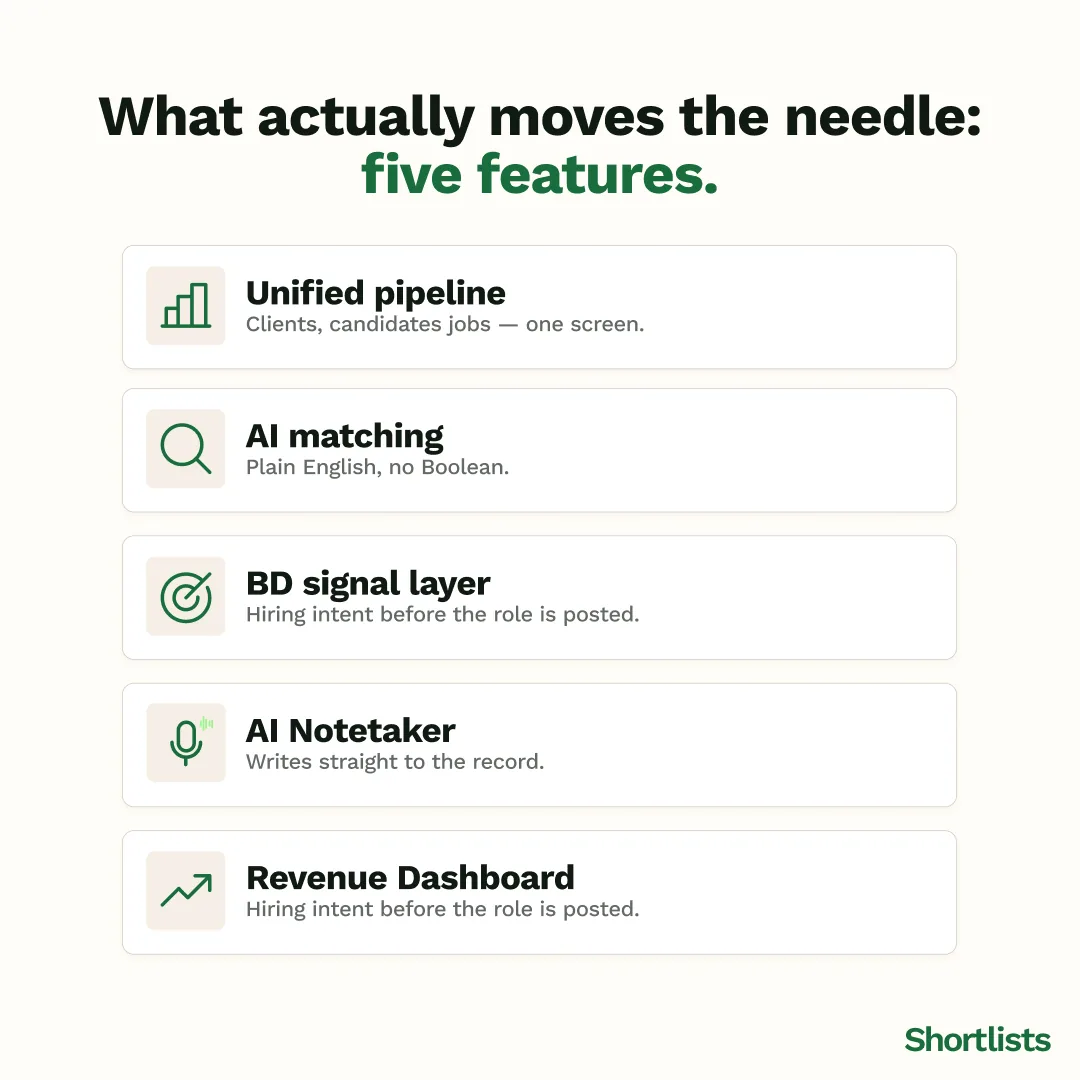
1. A unified pipeline view
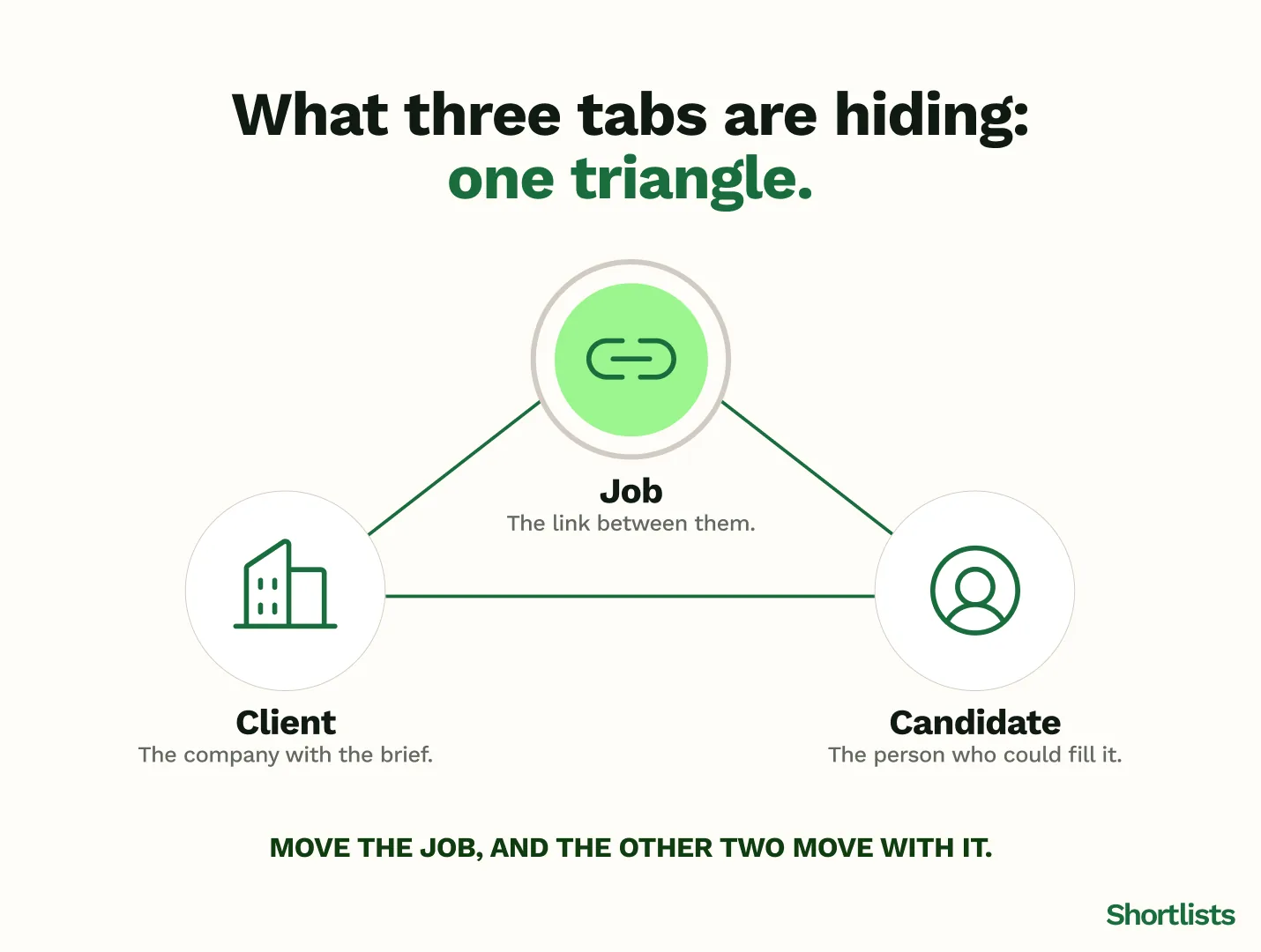
One screen where clients, candidates, and live jobs sit together and talk to each other. Not three separate modules you tab between, where the candidate you're moving forward has no visible link to the brief you're moving them for. This is the feature that decides whether the software saves you time or just relocates your admin. If you can't see a role, its client, and its shortlist in one place, you'll keep the real picture in your head, which is exactly the problem you were trying to solve.
2. AI candidate matching in plain English
When a brief lands, the platform should surface matching candidates from your own database without you constructing a Boolean string. You should be able to type something like "senior finance director, fintech, Edinburgh, open to interim" and get a useful ranked list. The plain-English part matters more than it sounds: Boolean search is a skill that decays, and the recruiters who are best at the actual job aren't always the ones who remember the syntax. One caveat worth saying out loud: matching is only as good as your data. It surfaces what you've captured, so it rewards good record-keeping and punishes neglect.
3. A BD signal layer
Most platforms give you a contacts database. A few give you a reason to contact someone today. The difference is a signal layer that watches for hiring intent — funding rounds, senior hires, leadership departures, clusters of adjacent roles — and surfaces it before the job is posted publicly. This is the feature that turns business development from cold guesswork into a short, deliberate routine. It's also the one most directly tied to winning fees, which is why it's worth weighting heavily in any evaluation.
4. An AI notetaker that updates the record
A notetaker that joins your calls, transcribes them, and writes the structured detail — skills, availability, salary, red flags — straight into the candidate or client record. The test here is whether it's native to the CRM or a separate tool. A standalone transcriber that produces a document you then copy into the system has saved you half the admin and added a step. One that writes directly to the record is the version that actually returns time to your day.
5. A revenue dashboard
Three numbers, not thirty: what's in your pipeline, what's likely to land, and what your desk is worth right now. Small agencies don't need business intelligence suites. They need to glance at a screen and know whether this is a good month or a worrying one, without exporting anything to build it themselves.
The features that sound useful but aren't (at this size)
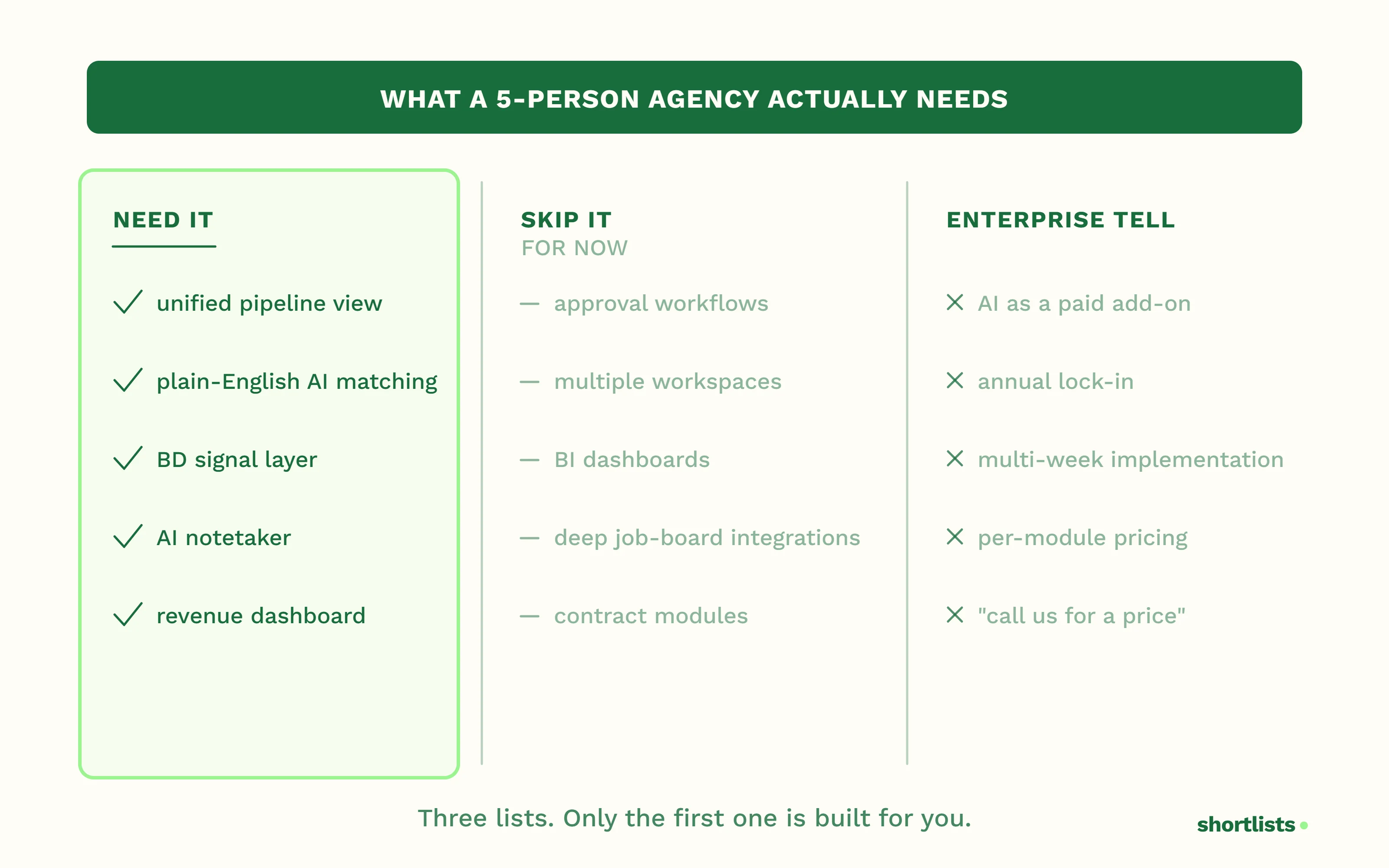
Plenty of features demo well and then gather dust at a five-person agency. Approval workflows and granular team permissions are built to control large teams; you have a team you can brief by turning your chair around. Multiple workspace setups solve a problem you don't have, because you have one workspace: your agency. Advanced reporting and BI dashboards give you thirty metrics when you need three. Deep job-board integrations beyond the one or two you actually post to rarely earn their keep at this scale. And custom contract-management modules are usually premature — a good template and a signature tool will carry you a long way before you need software for it.
None of these are bad features. They're just answers to questions a small agency isn't asking yet. Paying for them now is paying to look like a bigger company than you are.
The features that signal a platform was built for enterprise, not agencies
Some things aren't just unnecessary at your size — they're a tell that the whole product was designed for someone else.
AI sold as a paid add-on is the clearest one. If matching or the notetaker costs extra on top of the licence, the AI was almost certainly bolted on after the core product was built, rather than designed in. Annual contracts with no break clause are a second: they suit the vendor's forecasting, not your cash flow. Implementation timelines measured in weeks are a third — a five-person team should be working in the platform the same day, not waiting on a six-week rollout. Per-module pricing is a fourth, and a quietly expensive one, because the headline price climbs once you've added the "BD module" and the "AI module." And a pricing page that won't show you a number without a sales call is the simplest signal of all: if they won't tell you the price, the price is "depends how much we think you'll pay."
The 8-question demo checklist
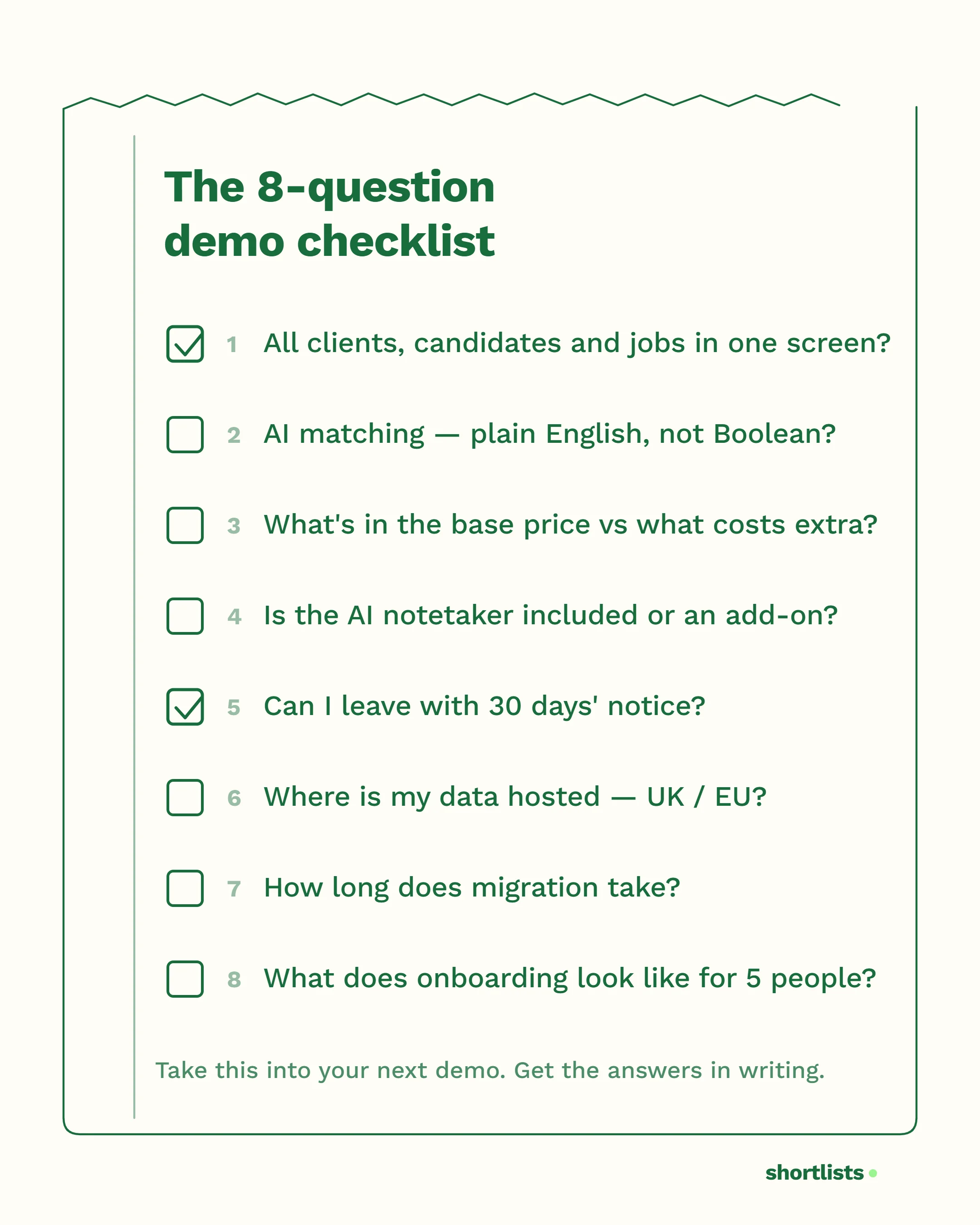
Take this into your next evaluation call. The goal is to get specific answers, in writing, before anyone gets to the slides about transformation.
- Can I see all my clients, candidates, and live jobs in one screen?
- How does your AI candidate matching work — do I need Boolean syntax, or can I search in plain English?
- What's included in the base price, and what costs extra?
- Is your AI notetaker included, or is it an add-on?
- What is the contract term — can I leave with 30 days' notice?
- Where is my data hosted, and is it UK or EU?
- How long does migration take from my current platform?
- What does onboarding actually look like for a five-person team?
If a vendor answers all eight clearly and in pounds, you're dealing with a product built for you. If three of them turn into "let me get someone to follow up," you have your answer too.
What "small agency" actually means in features
The right feature set shifts as you grow, which is why buying for the team you don't have yet is a trap.
At three to five seats, you need simple, fast, and frictionless — the unified view, matching, the notetaker, and a clear picture of revenue. At six to ten seats, a second desk changes things: you start wanting team visibility and a little basic reporting so you can see across desks without asking. Past ten, the enterprise features start to earn their place — permissions, multi-user workflows, deeper reporting. The platform that's right for you grows into that. The mistake is paying for the ten-plus feature set while you're still at four.
Frequently asked questions
What features should a small recruitment agency look for in a CRM?
Five things matter most: a unified pipeline view (clients, candidates and jobs in one screen), AI candidate matching without Boolean syntax, a BD signal layer that spots hiring intent before roles are posted, an AI notetaker that syncs to records automatically, and a simple revenue dashboard. Most other features on an enterprise list are overhead a small agency pays for but rarely uses.
What does an all-in-one recruiting CRM actually include?
A real all-in-one recruiting CRM combines applicant tracking, client relationship management, BD pipeline intelligence, AI candidate matching, an AI notetaker, AI outreach drafting, a revenue dashboard, and LinkedIn, Gmail and Outlook integrations — without charging a paid add-on for any of those features. If the AI is a separate line item, it isn't really all-in-one.
How does a combined ATS and CRM work for a recruitment agency?
In a combined platform, the candidate pipeline (the ATS layer) and the client pipeline (the CRM layer) are connected through the job. When a client briefs you on a role, it links to the candidates you're working, so you see the full picture — who's available, what stage they're at, and what the fee looks like — without switching tools or keeping two systems in step by hand.
Which recruiting CRM is built specifically for 3-10 person recruitment agencies?
What is the difference between a recruiting CRM and a general sales CRM?
A general CRM such as Salesforce or HubSpot manages one-sided relationships: customers or prospects. A recruiting CRM manages a triangle — clients, candidates, and the jobs that connect them. The pipelines, workflow, and terminology are fundamentally different, which is why "we use HubSpot as our CRM" usually means an agency is tracking clients but keeping candidates somewhere else.
How Shortlists approaches this
Shortlists includes all five of the features that matter as standard: the unified pipeline view, AI candidate matching in plain English, BD Radar for hiring signals, an AI notetaker that writes to the record, and a revenue dashboard. There's no BD module to buy, no AI tier to upgrade to, and no per-feature pricing to model — what you see is the base product.
It's £79 per user per month, published rather than quoted (only teams of 10 or more seats book a call, for custom Enterprise pricing), with no annual contract required, and onboarding for a small team is same-day rather than a multi-week rollout. The design choice behind that is deliberate: build the five things a 3-to-10 seat agency uses every day properly, and leave out the twenty that exist to win enterprise procurement.
Next steps
Read: What Is a Recruiting CRM and Why Do Small UK Agencies Need One? — the plain-English foundation if you're earlier in the journey.
Read: Recruiting CRM for Small UK Agencies - The Complete Guide — the full market overview.
Read: How a Recruiting CRM Manages Clients, Candidates and Pipeline in One Place — what the unified view looks like in practice.
Try: Take the eight-question checklist into your next demo.
Explore: Switch to Shortlists — Free Migration for UK Recruitment Agencies.
Read: The Recruitment Frankenstack Cost Guide — what you're actually paying for disconnected tools.
Read: Growing a Small UK Recruitment Agency in 2026: The Founder's Guide — the broader growth context.